Stop staring at
empty piano rolls.
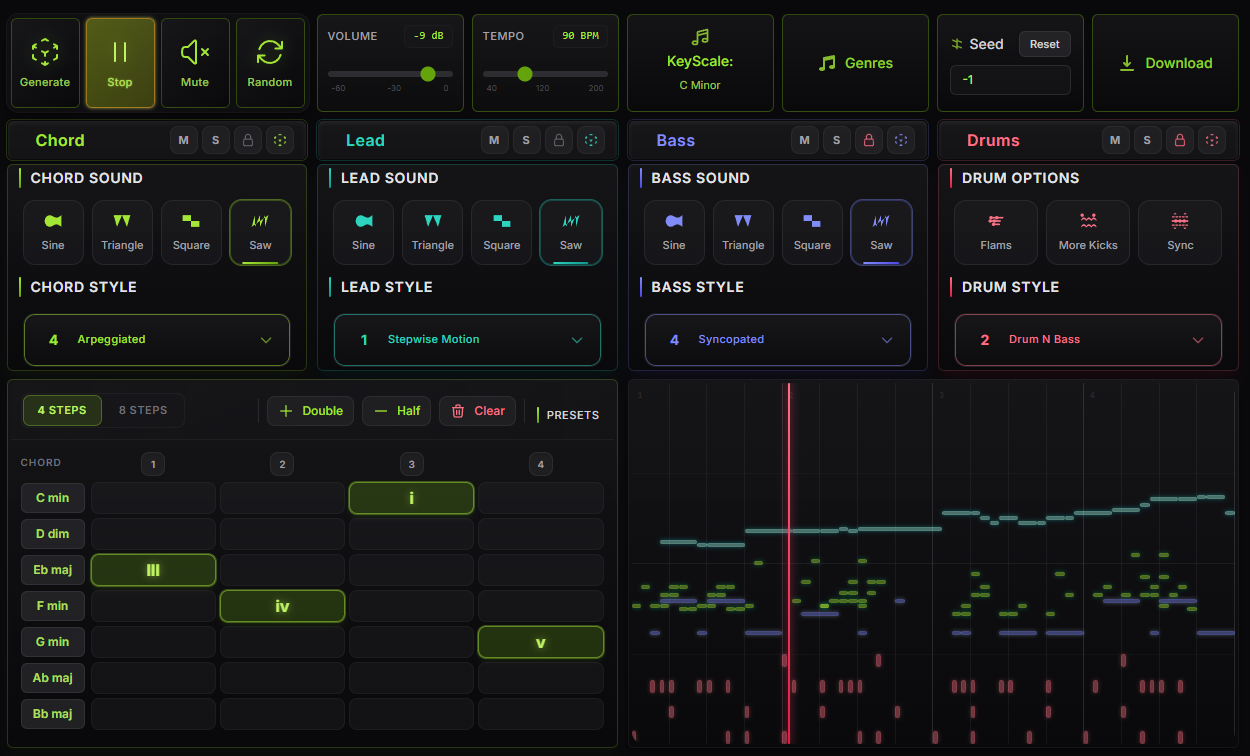
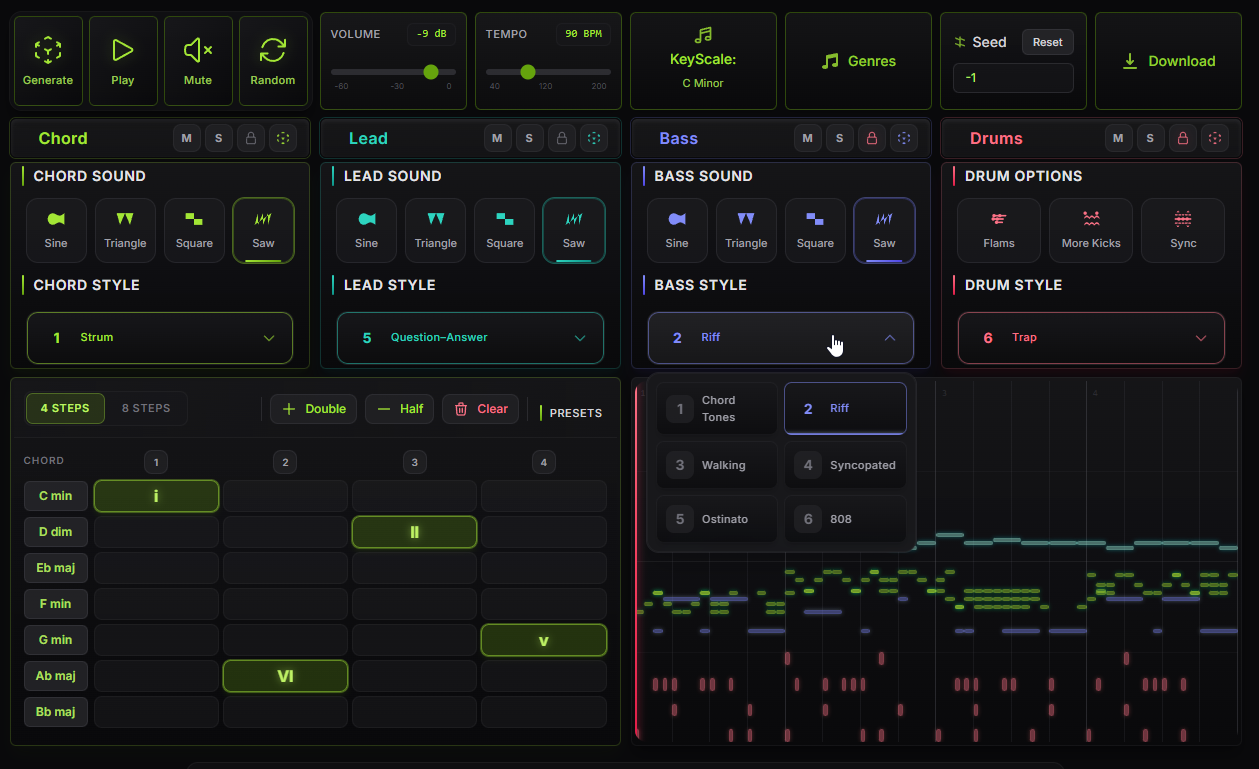
Pick a key & scale, choose a progression, generate chords, melody, bass and drums - then export MIDI straight to your DAW.
Browser-based. No account. No nonsense.
Built to unblock you.
Speed, control, theory, portability - in one tool.
Beat block breaker
Stuck staring at an empty DAW? Generate a full arrangement in seconds and remix from there.
MIDI you actually control
Not a black-box - pick your key, scale, progression, and instruments. Tweak everything.
Idea generator
Use Starts to explore directions you wouldn't think of. New scales, new progressions, new rhythms.
No installs, no sign-up
Opens in your browser. Generate and export MIDI without creating an account.
Theory-driven
No AI models, no randomness. Every note follows established musical principles - scales, intervals, voice leading.
DAW-ready output
Standard MIDI files. Drop them straight into Ableton, FL Studio, Logic, Reaper - anything.
Blank session to bounced MIDI in under a minute.
Four steps. No menus to memorise.
Choose Key & Scale
Major, minor, modes, exotic scales - set the harmonic foundation.
Pick a Progression
Select from theory-based chord progressions or customise your own.
Generate Parts
Chords, melody, bassline, drums - each generated from musical rules.
Export MIDI
Download standard MIDI files, single or multi-track, for your DAW.
Pick your entry point.
Generate MIDI, explore harmony and rhythm in 3D, or grab ready-made packs - whatever the session needs.
Starts
Choose a key, scale and progression. Generate chords, melody, bass and drums - then export multi-track MIDI.
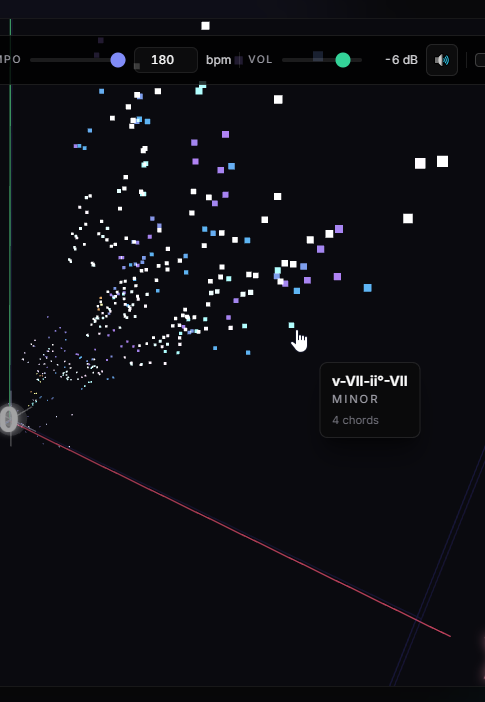
Harmonic Map
Orbit a galaxy of progressions. Audition fast, shortlist what clicks.
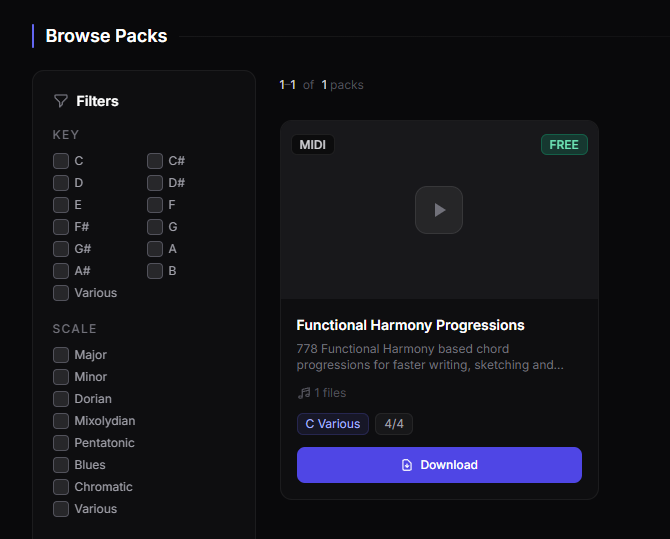
Packs
Curated MIDI collections you can drag straight into your DAW. Search by key, scale or category.
Learn
107 interactive lessons across chords, scales, rhythm, melody, harmony, sound design and MIDI.
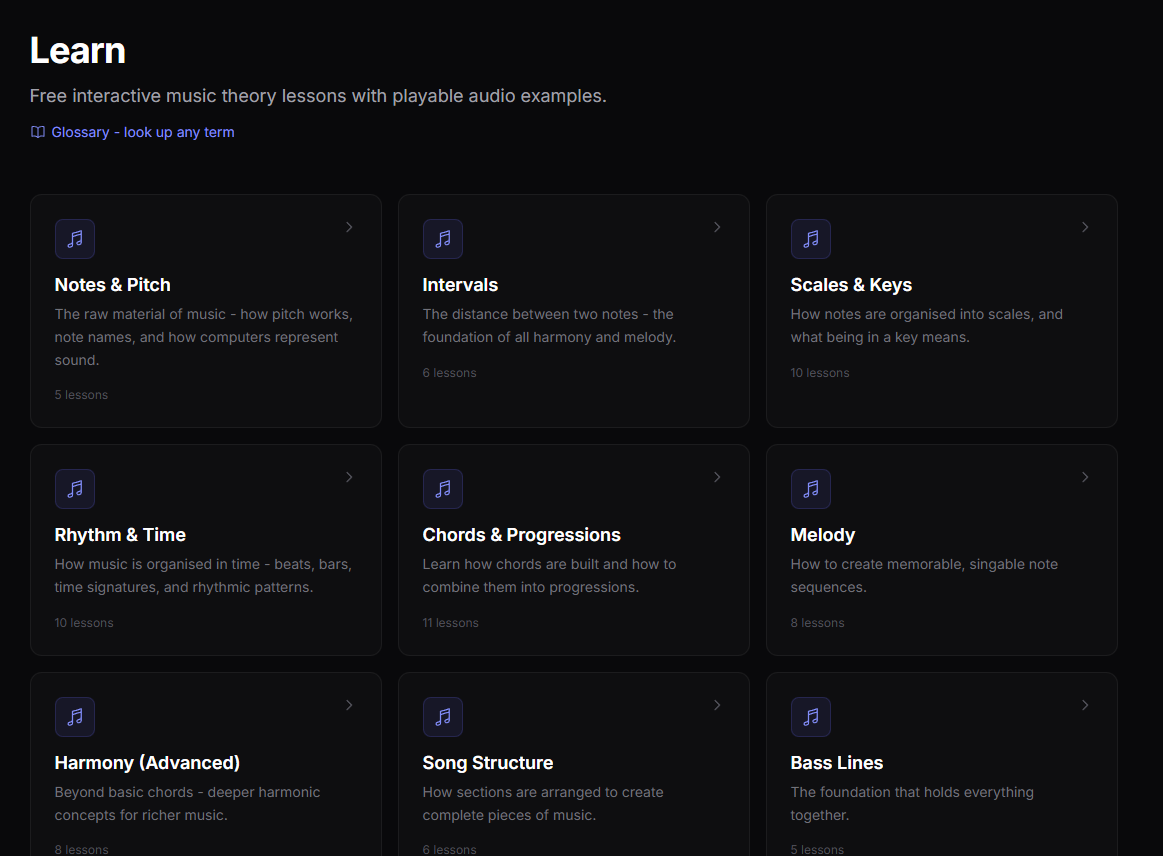
Free music theory lessons.
Chords, scales, rhythm, melody and more - with interactive audio you can play in your browser.
Interactive, free, no sign-up needed.
Questions & answers
Something else on your mind?
Get in touch